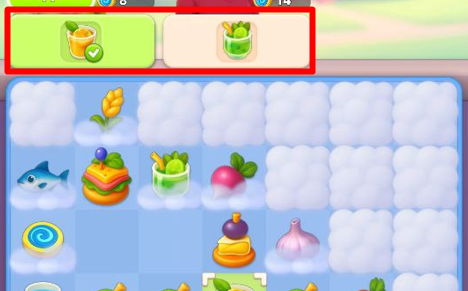
You can obtain these items by generating and merging objects. To see the items needed to complete an expedition task, open the Merge Field. Tap the Swap icon  in the lower-right corner of the screen to access it. You’ll be taken to a field containing various items that can be merged with each other. At the top of the field, you can see a list of all items required for your current tasks.
in the lower-right corner of the screen to access it. You’ll be taken to a field containing various items that can be merged with each other. At the top of the field, you can see a list of all items required for your current tasks.