To move an object:
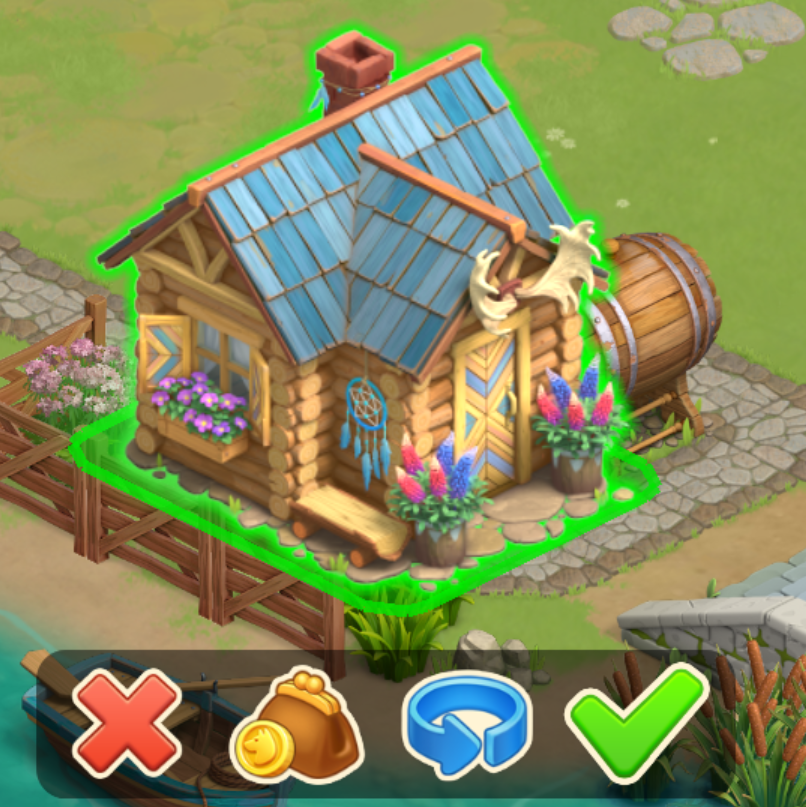
1. Tap and hold an object until it becomes green.
2. Move it, then tap the green check mark to confirm.
3. To exit the Move mode, tap the red cross at the bottom of the screen.
To rotate an object:
1. Tap and hold an object until it becomes green.
2. In the menu that appears at the bottom of your screen, tap the blue arrow.
3. Tap the green checkmark to confirm.
Please note: not all objects can be rotated (for example, some fences).