- Make sure you sign in with the account you used to make the purchase.
- Open your order history (https://account.microsoft.com/billing/orders).
- To see past orders and past purchases, use the Show and Ordered within filters.
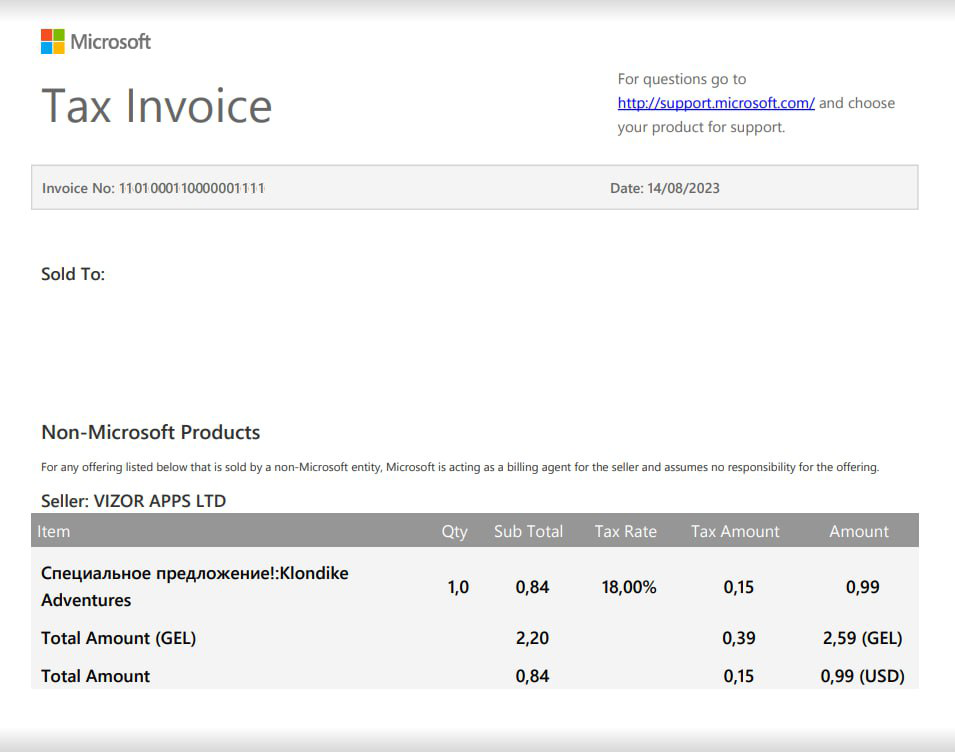
- Select Order details > Print / Tax Invoice to see the full payment receipt for a specific purchase.